 Orcafinance
Orcafinance Whirlpools use price ranges and pool prices to determine deposit ratios
Orcafinance Whirlpools use the selected price range and current pool price to determine the token mix required for a liquidity deposit on Solana. Before approving, match the pool's token identities, quoted price direction and required amounts to the position you intend to hold. A narrow range concentrates capital within fewer prices and can move out of range quickly. A full-range position spreads liquidity across the pool's supported prices, with less concentration around the current price.
Updated -Full-range and custom-range exposure
A full-range position covers the entire price range that the pool supports. A custom range sets lower and upper bounds for active liquidity. Both use Orca's Whirlpool infrastructure and leave the position exposed to token price changes. A narrower range can represent a larger share of active liquidity within its bounds. Smaller price movements can push that position outside the range. Wider ranges spread liquidity over more prices and may require less frequent adjustment. Choose between them by considering the exposure you want and the range monitoring you can maintain.
Fees may fail to offset token price declines or impermanent loss, which compares liquidity provision with holding the deposited assets.
Is the pool price inside your chosen bounds?
The pool price is in range only when it falls within the position's selected bounds in the displayed quote direction. Compare the current price and both bounds using one token denomination. The Liquidity Terminal can flip the price quotation, so reversing the token order changes how those figures read. Use the position's in-range status alongside the displayed prices.
A Whirlpool position accrues swap fees only while its liquidity is in range and swaps use it. Outside the range, the position's liquidity becomes fully concentrated in one pool token. If you intend to provide active liquidity immediately, an out-of-range summary calls for another range decision before approval.
Token identities and the deposit ratio
The required deposit amounts follow the selected range and current pool state. For an in-range position, entering one token amount lets the interface calculate the other. Review the displayed ratio after changing the bounds, because a different range can require a different token mix.
A matching ticker does not establish token identity. Check each token's mint address, especially when unfamiliar tokens share recognizable names.
Both token balances and spendable SOL matter. With Autoswap off, a deposit fails its balance check if either required token amount exceeds the available balance. SOL covers transaction fees and required account costs. Keep the token identities consistent across the pool, deposit summary and wallet prompt.
Autoswap provides an optional swap-and-deposit flow when creating or adding liquidity. When enabled, it may exchange tokens to match the required ratio. Check quoted output, price impact, route source, fees, slippage and final deposit amounts. You can turn Autoswap off and supply the required tokens manually.
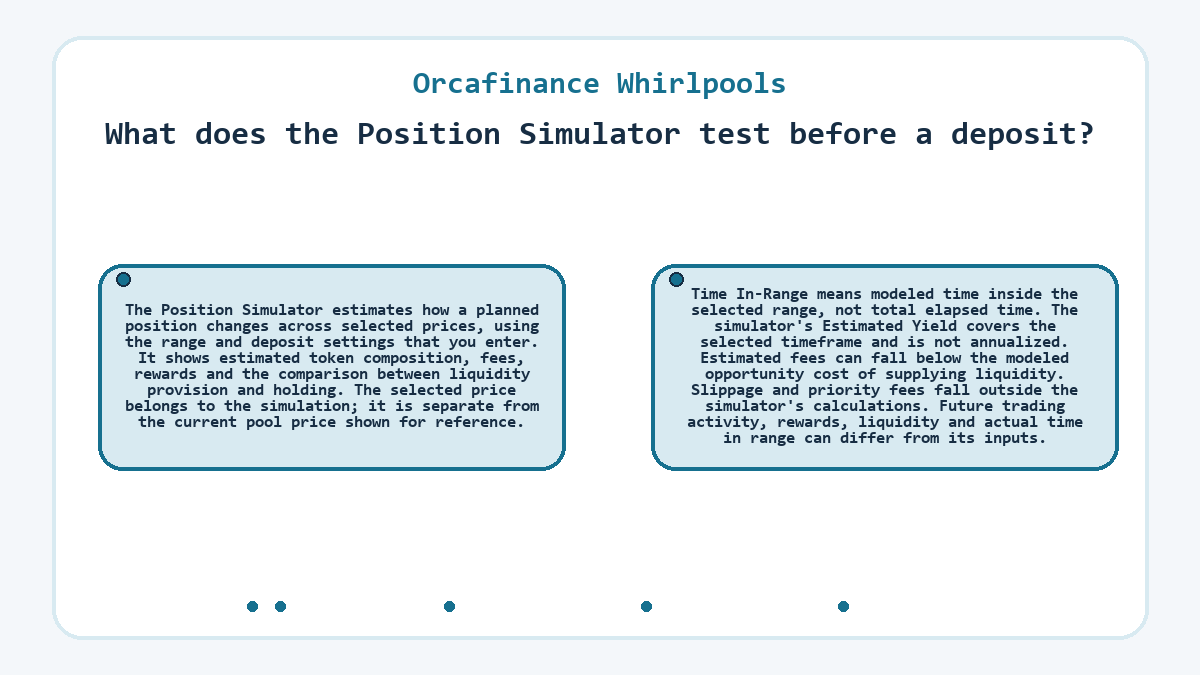
What does the Position Simulator test before a deposit?
The Position Simulator estimates how a planned position changes across selected prices, using the range and deposit settings that you enter. It shows estimated token composition, fees, rewards and the comparison between liquidity provision and holding. The selected price belongs to the simulation; it is separate from the current pool price shown for reference. Time In-Range means modeled time inside the selected range, not total elapsed time. The simulator's Estimated Yield covers the selected timeframe and is not annualized. Estimated fees can fall below the modeled opportunity cost of supplying liquidity.
Slippage and priority fees fall outside the simulator's calculations. Future trading activity, rewards, liquidity and actual time in range can differ from its inputs.
A price move changes the deposit decision
In this hypothetical deposit into a new custom-range position, the selected bounds, pool price, wallet balances and subsequent price movement are illustrative inputs. Initially, the displayed pool price lies inside the chosen range. The deposit summary shows amounts for both pool tokens, consistent with an in-range position.
The reader checks the token mints and quote direction, then reviews the calculated deposit ratio. If the price remains in range and the final amounts match the intended exposure, the deposit can proceed to wallet review. The transaction creates the position only after confirmation.
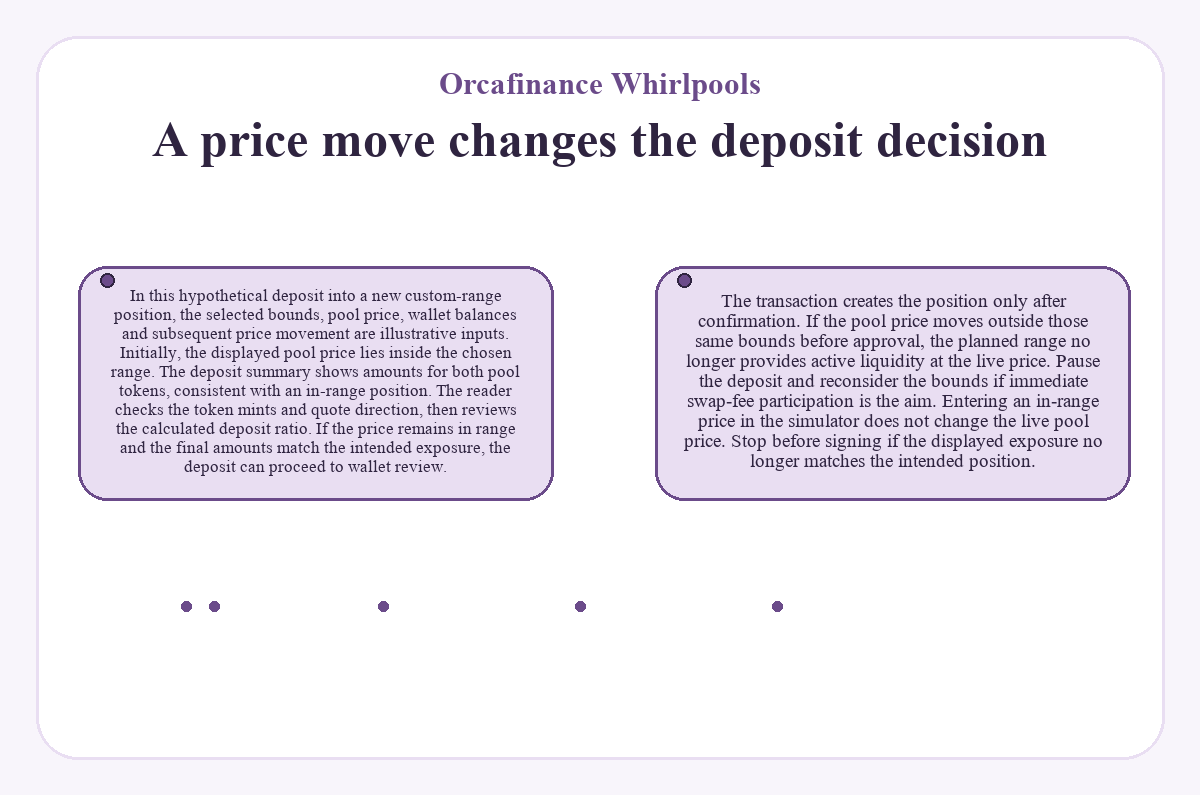
If the pool price moves outside those same bounds before approval, the planned range no longer provides active liquidity at the live price. Pause the deposit and reconsider the bounds if immediate swap-fee participation is the aim. Entering an in-range price in the simulator does not change the live pool price. Stop before signing if the displayed exposure no longer matches the intended position.
Deposit costs and wallet approval
A deposit is ready for wallet approval when the token identities, amounts, range and estimated costs match the intended position. Review the fee tier in the position summary and the transaction details in the wallet. Pool trading fees and the cost of submitting a liquidity transaction describe different charges.
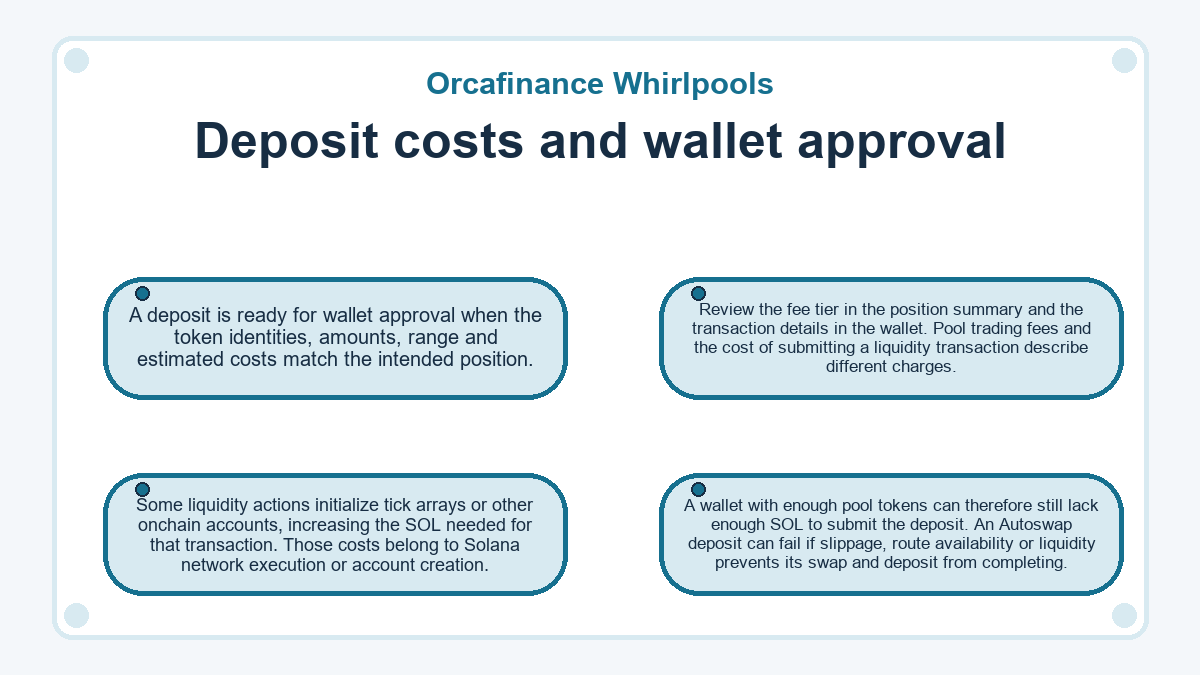
Some liquidity actions initialize tick arrays or other onchain accounts, increasing the SOL needed for that transaction. Those costs belong to Solana network execution or account creation. A wallet with enough pool tokens can therefore still lack enough SOL to submit the deposit. An Autoswap deposit can fail if slippage, route availability or liquidity prevents its swap and deposit from completing.
What changes after the deposit confirms?
A confirmed deposit creates a new position or adds liquidity to an existing one, depending on the selected action. The live pool price affects the position's token composition and range status. Portfolio shows the position's range, current price, estimated balance and pending yield. These values help establish whether the position still matches the exposure you intend to hold.
A non-fungible token (NFT) represents ownership of each liquidity position. Transferring a Whirlpool position NFT transfers control of the position it represents. Keep that NFT in a wallet that you control.
Closing a position may include burning its NFT, depending on the option selected. Burning an NFT that still represents liquidity can permanently remove access to that liquidity. Orca cannot recover liquidity after the position NFT is burned or transferred away.
Reader questions
-
What happens to dust from an Autoswap deposit?
- Residual tokens from an Autoswap deposit return to your wallet after the transaction completes. Small leftovers can arise from rounding, price movement, deposit-ratio requirements or route execution. They are separate from the liquidity that successfully enters the position. Auto-Compound dust follows different timing: it returns when that feature is disabled or the position closes, after the relevant transaction completes.
-
Is the Auto-Compound rent deposit shared across Whirlpool positions?
- Auto-Compound requires a separate refundable rent deposit for each enabled position. The wallet also needs enough SOL for the associated transaction fees. Disabling Auto-Compound or closing that position returns its rent deposit after the relevant transaction completes. This deposit supports the automation account; it is separate from the pool tokens that make up your liquidity position.
-
Why are older Whirlpool actions missing from Portfolio history?
- Portfolio's Position History and Closed Positions views include supported data from January 2026 onward. Earlier actions predate that tracking coverage and do not appear there. The history view therefore cannot serve as a complete record of deposits, withdrawals or closures made before tracking began.
-
Does unrealized Whirlpool PnL include fees that I have not harvested?
- Unrealized profit and loss (PnL) includes accrued but unharvested fees and rewards where supported data is available. It describes assets still inside an open position, while realized PnL relates to completed actions such as harvesting fees or closing part or all of a position. The displayed figure may omit factors relevant to your records, including external transfers, off-platform activity, taxes, slippage and priority fees.
-
Can an out-of-range Whirlpool position still be withdrawn?
- An out-of-range Whirlpool position can be withdrawn, subject to network conditions and transaction confirmation. Withdrawal is an option alongside leaving the position unchanged or creating a different range. The tokens and amounts that you receive may differ from the original deposit because price movement changes the position's composition. Removing liquidity can also involve transaction costs and slippage.
-
Must I migrate a Whirlpool position because of the Formation merger?
- The Formation merger does not require Whirlpool holders to withdraw, migrate or sign a transaction for their existing positions. Existing positions, fees and rewards continue unchanged under the merger's stated terms. Orca remains a product under Formation alongside Loopscale. A request to sign a migration transaction solely because of this merger conflicts with those terms.